
For the share you already run
Your iPhone photos. Your own storage.
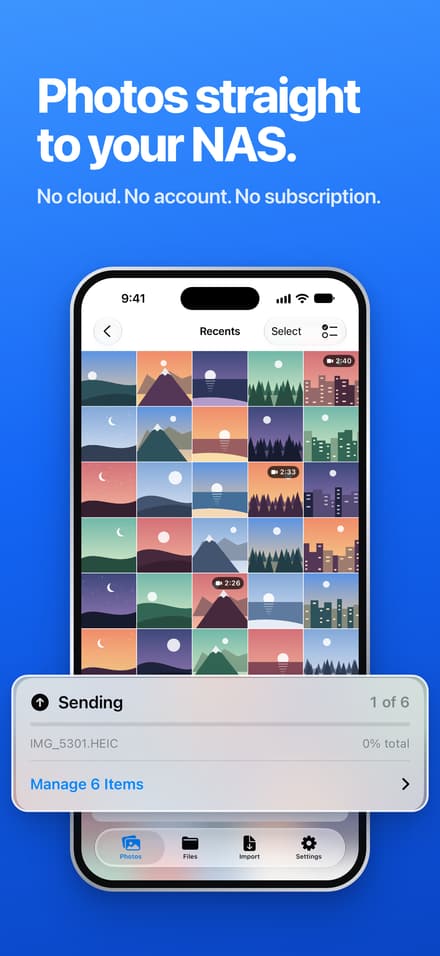
Send original photos, videos and files straight to your NAS or shared folder. No account, cloud or subscription.

£9.99, one-off. iOS 17+.
Needs an SMB2 or SMB3 server your iPhone can reach over the network.
See how it works
Seven more screens
Swipe through the remaining App Store screens.
-
 02 / 08
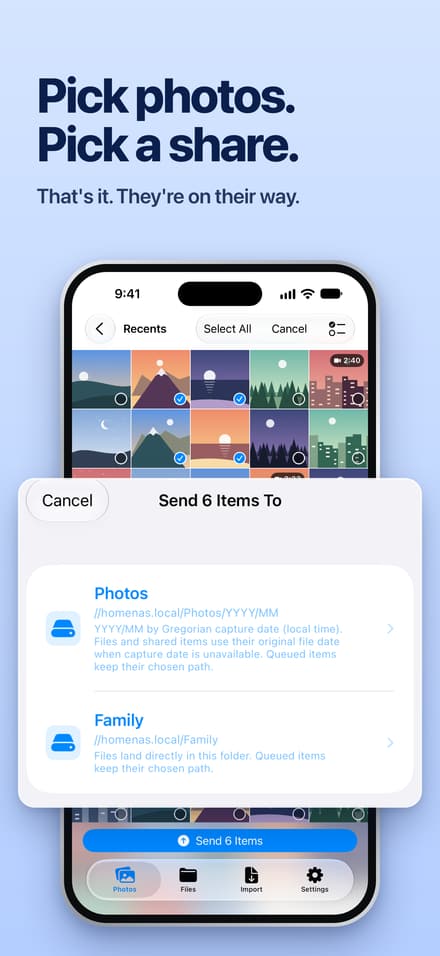
Pick photos. Pick a share.
Choose photos or videos, then choose the destination you saved. Background transfers keep moving; interruptions go into a retry queue.
-
 03 / 08
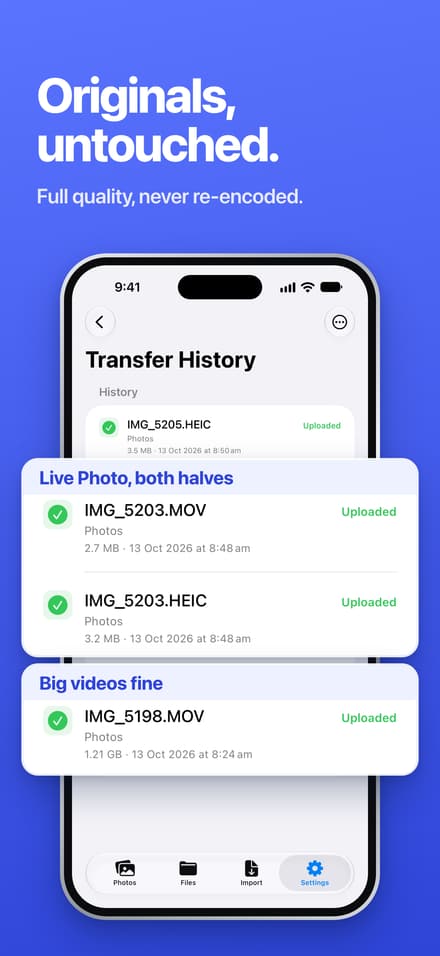
Keep the originals
Photos and videos go across as their original files, never re-encoded. A Live Photo keeps both its photo and video.
-
 04 / 08
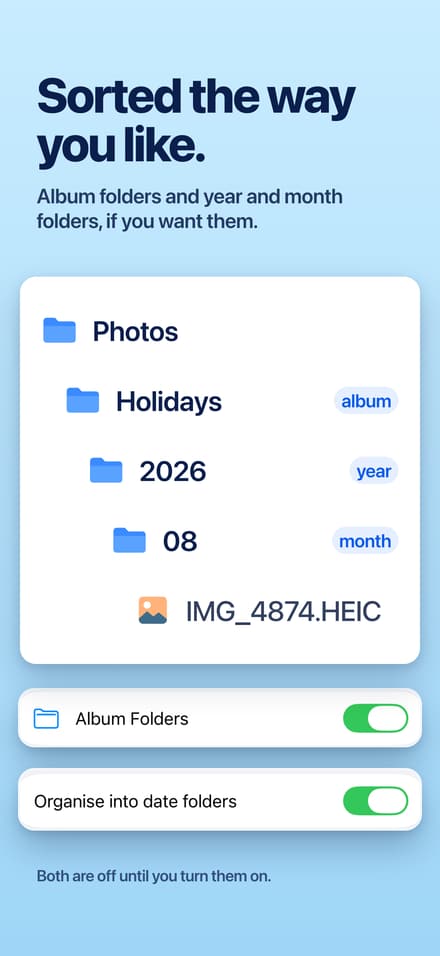
Folders if you want them
Turn on album folders or YYYY/MM date folders. Both are off by default, so you choose the layout on your share.
-
 05 / 08
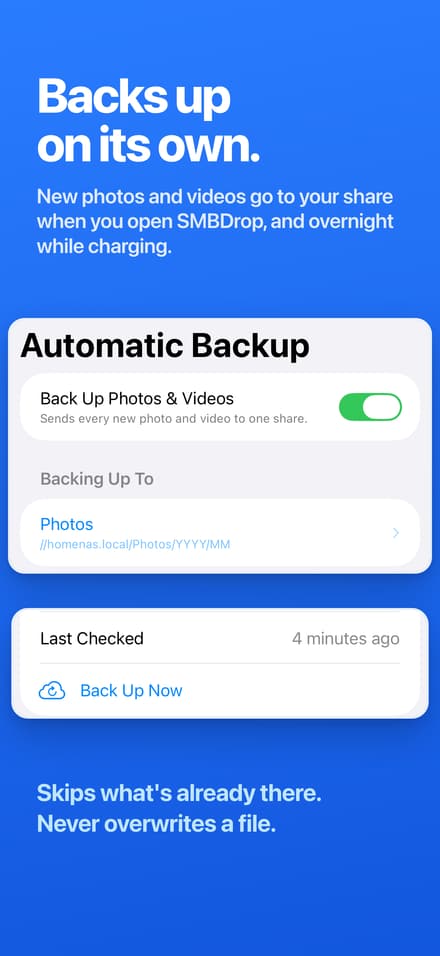
Backup that picks up where it left off
Automatic Backup sends new photos and videos when you open SMBDrop and overnight while charging. It skips files already there and never overwrites them.
-
 06 / 08
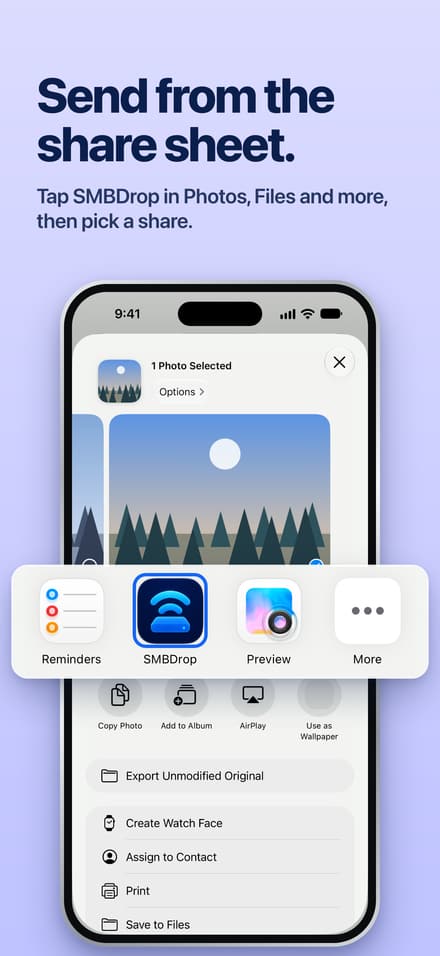
Use the share sheet
From Photos, Files and other apps, tap SMBDrop in the share sheet and pick a share. Items are saved straight away, and SMBDrop sends them when you tap its reminder or open the app.
-
 07 / 08
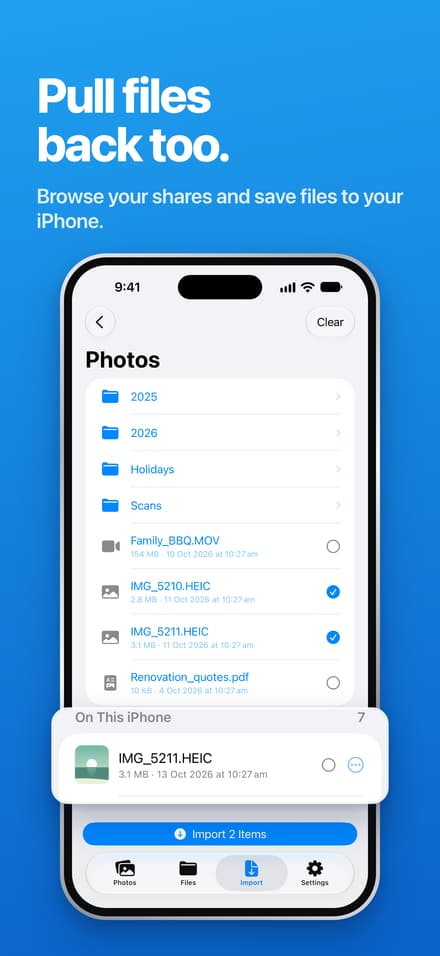
Bring files back
Browse your shares and import files to your iPhone. Imports are checked byte for byte and never overwrite an existing local file.
-
 08 / 08
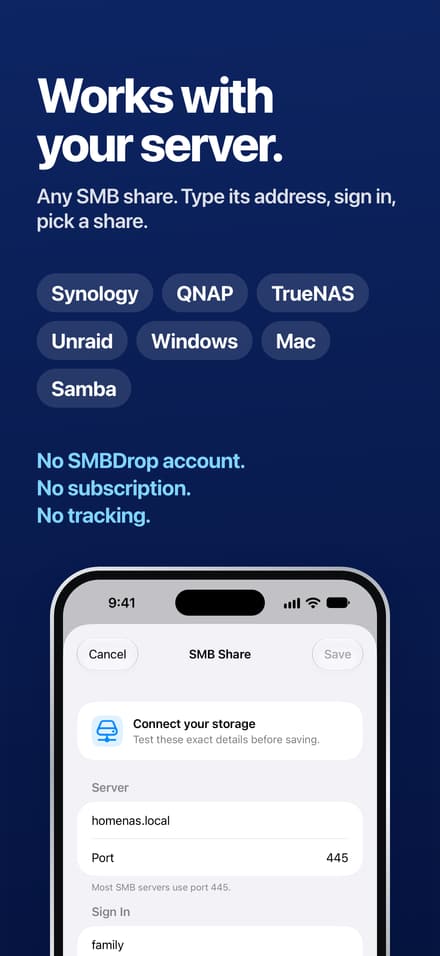
Use the server you have
Synology, QNAP, TrueNAS, Unraid, UGREEN, Windows, Mac or Samba on a Pi: any SMB2 or SMB3 share. Type the server address and sign in; Find Shares lists its share names. Custom ports work too.
Swipe sideways for more screens
Before you buy
Have a share? You're most of the way there.
Enter your server address and sign in. Find Shares shows the names that server exports. It does not search your network for servers.
What goes across
Original photos, videos and files. Live Photos keep both halves. Transfers keep going in the background, with progress on the Lock Screen and in the Dynamic Island, a notification when they finish or fail, and a retry queue that survives interruptions.
What comes back
Browse and import files from a share to your iPhone. Each import is checked byte for byte; an existing file is never overwritten.
What stays yours
Files move between your iPhone and your server. Passwords stay in the Keychain. No ads. Anonymous usage analytics (a random install ID, no names, files or server details), which you can turn off in Settings, and optional feedback.
Need a hand?
Set up your share
Start with a setup guide for Synology, QNAP, TrueNAS, Unraid, Windows, Mac or Tailscale. There is a press kit if you are writing about SMBDrop.
Your server needs an SMB2 or SMB3 share your iPhone can reach. You provide the server address; SMBDrop lists shares after you sign in.
Questions
Common questions
What does SMBDrop do?
It sends photos, videos and files from your iPhone to your own SMB network share, such as a NAS or a Windows or Mac shared folder, and imports files back. Transfers go straight from the iPhone to your server; there's no cloud in between.
Will it work with my NAS?
If your NAS or computer can share a folder over SMB2 or SMB3, it should. That includes Synology, QNAP, TrueNAS, UGREEN, Unraid, Windows and macOS file sharing, and Samba on Linux. Setup guides cover each one step by step.
Does it find my NAS on the network automatically?
No. You enter your server's address and your username and password. Find Shares then lists the shares on that server, so you can pick one instead of typing its name.
Are my photos compressed or converted?
No. SMBDrop sends the original files from your library. Photos and videos are never re-encoded, and Live Photos keep both the photo and the video. What counts as an original.
Is there a subscription or an account?
No. It's £9.99, one-off on the App Store, with no subscription, no in-app purchases, no ads and no account.
Can I use it away from home?
Yes, if your iPhone can reach your SMB2 or SMB3 server through a private network such as Tailscale. Do not open SMB directly to the internet. Set up Tailscale.
When does Automatic Backup run?
When you open SMBDrop, and overnight while charging when iOS allows it. It sends new photos and videos, skips files already on the share and never overwrites them.
What's new in 1.2?
Progress on the Lock Screen and in the Dynamic Island, notifications when a transfer finishes or fails, sends that keep going after you leave the app, a layout for foldable and bigger iPhone screens and landscape, and dark and tinted app icons. See every release.
Does SMBDrop collect any data?
Only anonymous usage counts, such as how many photos a send included, tagged with a random install ID and with no file names, server details or anything that identifies you personally. You can turn them off in Settings. There are no ads, passwords stay in the iOS Keychain, and a feedback message is sent only if you choose to send one. Read the privacy policy.
Ready to send to your share?
Needs an SMB2 or SMB3 server your iPhone can reach. iOS 17+.
£9.99, one-off.
No subscription or ads.